Simplified Wiring Guide for R, Y1, Y2 Terminals
Tip: click the images to open an enlarged view in another tab. Close the tab to return to the article.


The most effective solution to correct the server connection issue is to connect to a dedicated 2.4G router. Connecting a wireless router involves several steps, but don’t worry, I’ll guide you through each one. Here’s a detailed explanation:
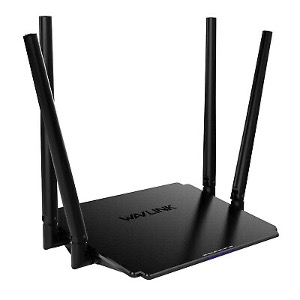
3. Connect to Power: Plug the power adapter into an electrical outlet and connect the other end to the power port on the router. Ensure that the router is receiving power by checking for any indicator lights on the device.
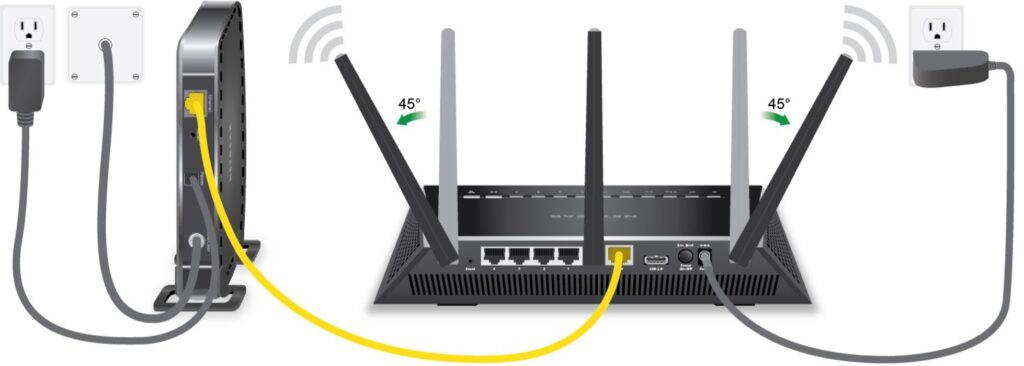
5. Connect to Modem: If you have a separate modem (provided by your ISP), you’ll need to connect it to the router using an Ethernet cable. Plug one end of the Ethernet cable into the Ethernet port on the modem and the other end into the WAN (Wide Area Network) or Internet port on the router. This connection allows your router to access the internet through the modem.
6. Power On: Turn on the router by pressing the power button (if available) or simply by plugging it in. Wait for a minute or two for the router to boot up completely. During this time, the router will perform self-checks and establish connections with your modem and other devices.
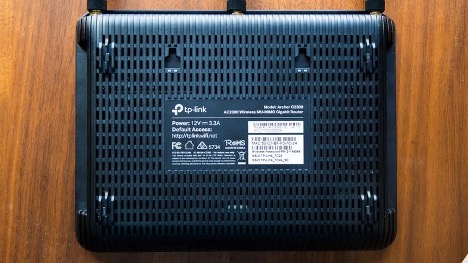
7. Connect Devices: Now that your wireless network is set up, you can connect your Infinity/Evolution controller.
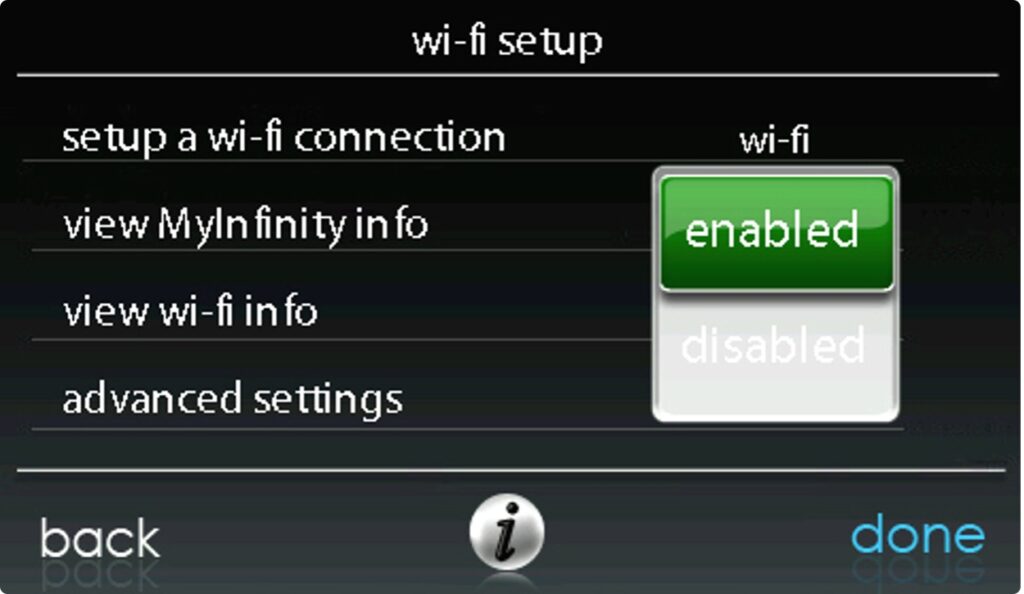
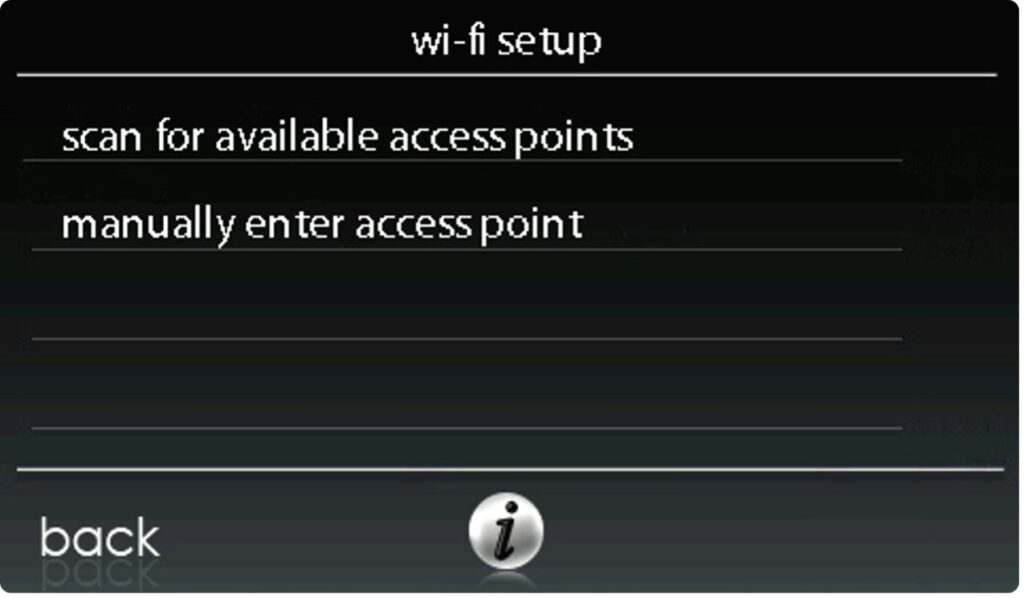
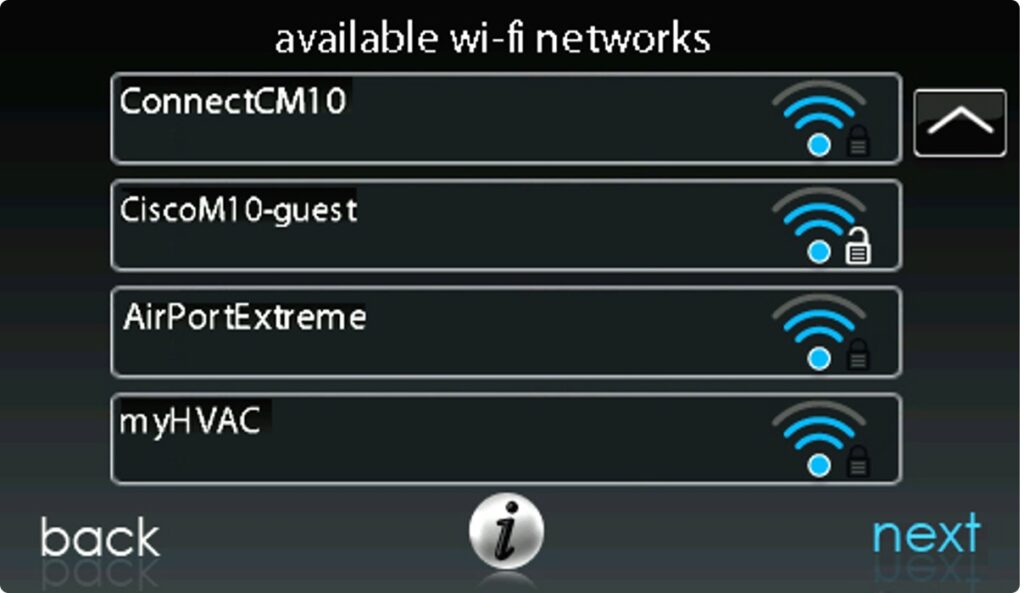
8. Wi-Fi Setup: Enable Wi-Fi under settings, scan for access points, and chose the new router from the list. Enter the password that came with the new router, and watch it connect.
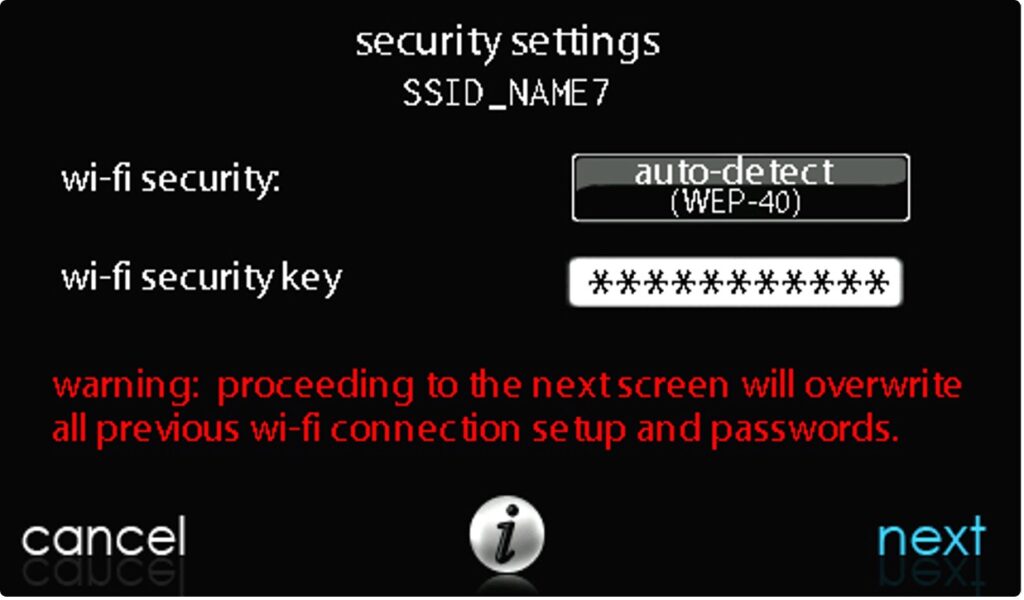
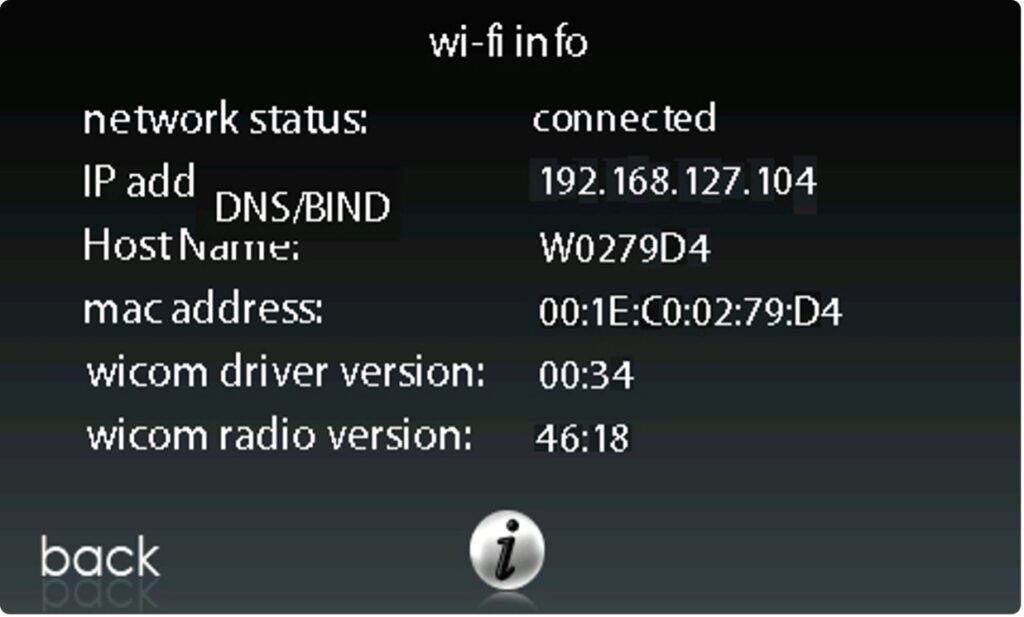
That’s it! Your wireless router should now be successfully set up and ready to use.
Disclaimer: The technical statements, information and recommendations contained herein are believed to be accurate as of the date hereof, but Mingledorff’s does not make representations or warranties, express or implied, as to its accuracy, its completeness, or the results to be obtained. The information is being provided for informational purposes only and is intended for use by persons having adequate skill and expertise regarding the proper selection, use and application of the products and recommendations and at their own risk and discretion.
Tip: click the images to open an enlarged view in another tab. Close the tab to return to the article.
HVAC technicians often work in attics, rooftops, mechanical rooms, and outdoor environments where temperatures can become dangerously high. Proper hydration
Have you ever installed or started up a commercial heat pump? Did you notice there is not an “O” terminal
We use cookies and other tracking technologies to collect and store information, operate our website, remember your preferences, deliver targeted ads and content, and enhance your experience. You can manage or change your cookie preferences at any time through your browser or device settings. To learn more, including how we collect, use, or disclose your information, please review our Privacy Policy and Terms of Use. By interacting with this cookie banner or accessing the site, you consent to our Privacy Policy and Terms of Use, including the arbitration provision and class action waiver.
You are leaving our site and we cannot be held responsible for the content of external websites.